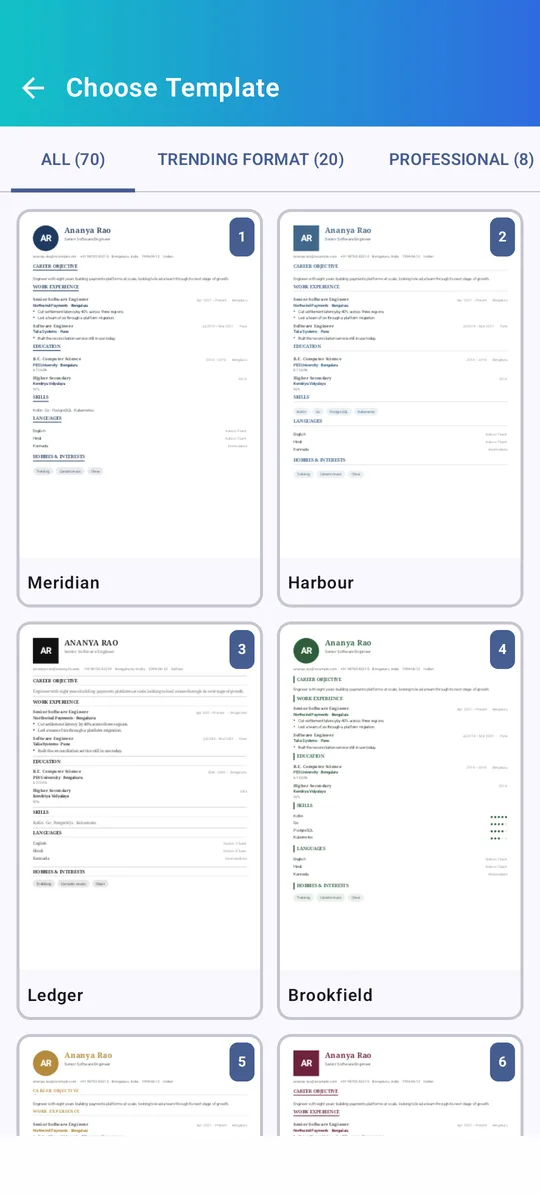
Your job-ready CV, made in minutes.
Build a professional CV, resume or Indian bio-data right on your phone. Pick from 70 templates, check your CV score, and download as PDF or Word.

From blank page to ready-to-send
Guided editing, smart suggestions and professional designs — without the learning curve.
Guided setup
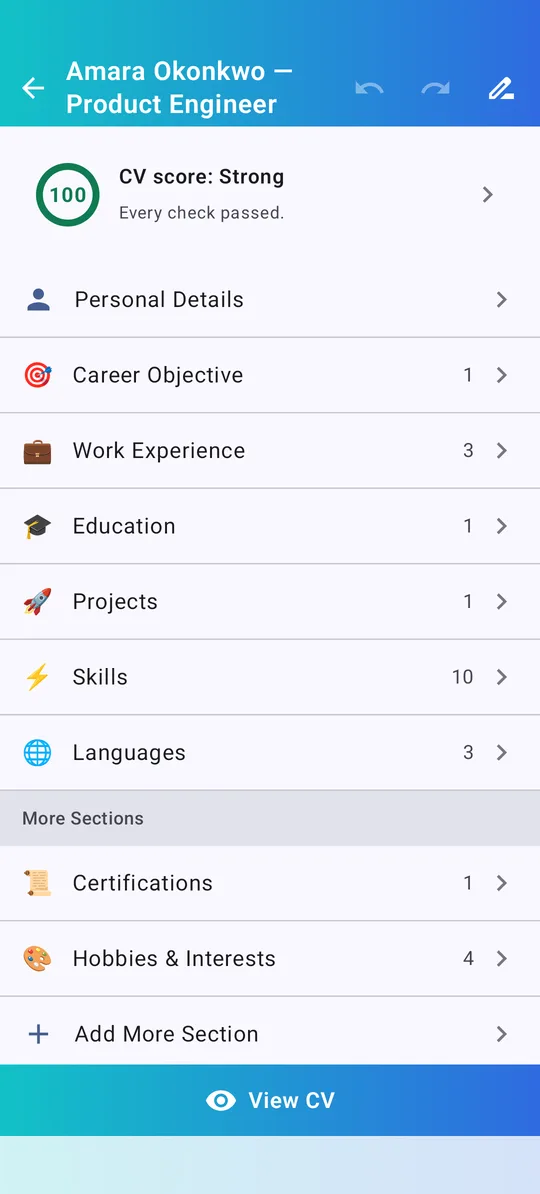
Answer a few questions and your first CV is ready. Add sections for experience, education, skills, projects, certifications and more.
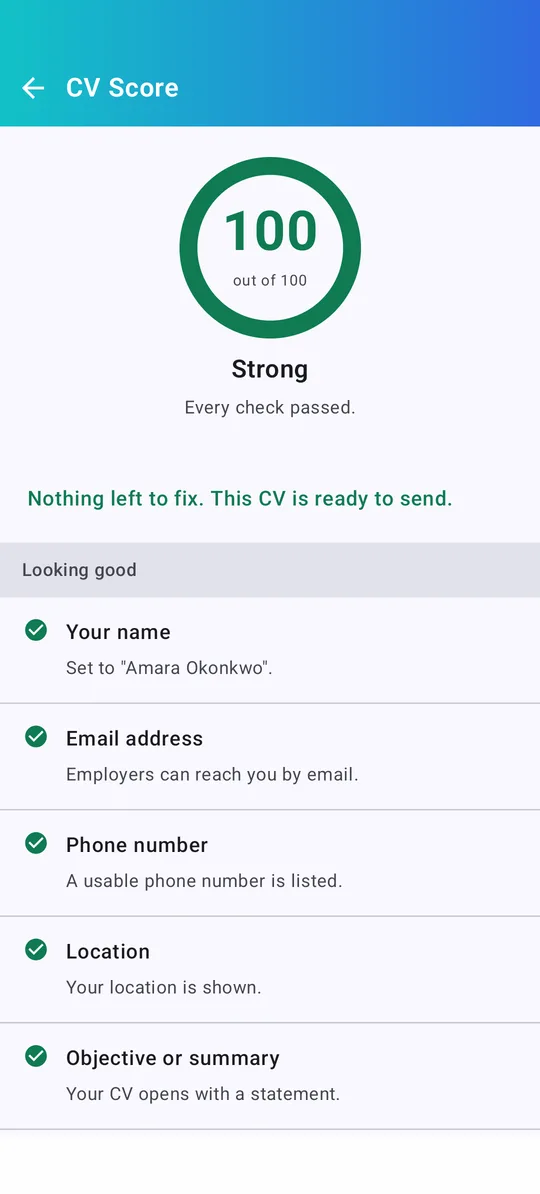
CV score
14 recruiter-style checks — contact details, action verbs, numbers, dates, length — with one tap to fix each.
PDF & Word
Download a print-ready PDF or an editable Word (.docx) file. Print directly or share on email and WhatsApp.
Cover letters
Write a matching cover letter that uses your CV's design, so both arrive as one polished application.
Smart suggestions
Ready-made objectives, skills and interests to start from, so you are never staring at an empty field.
Make it yours
Colours, fonts, spacing, photo frames, A4 or US Letter, light and dark theme — on phones and tablets.
A design for every job — and every country
Modern, minimal, executive, creative and academic layouts, plus ATS-friendly designs that pass application tracking systems.
- Indian table & bio-data formats
- New “Trending Format” collection for 2026
- ATS-friendly single-column designs
- 60 free templates, 10 premium designs
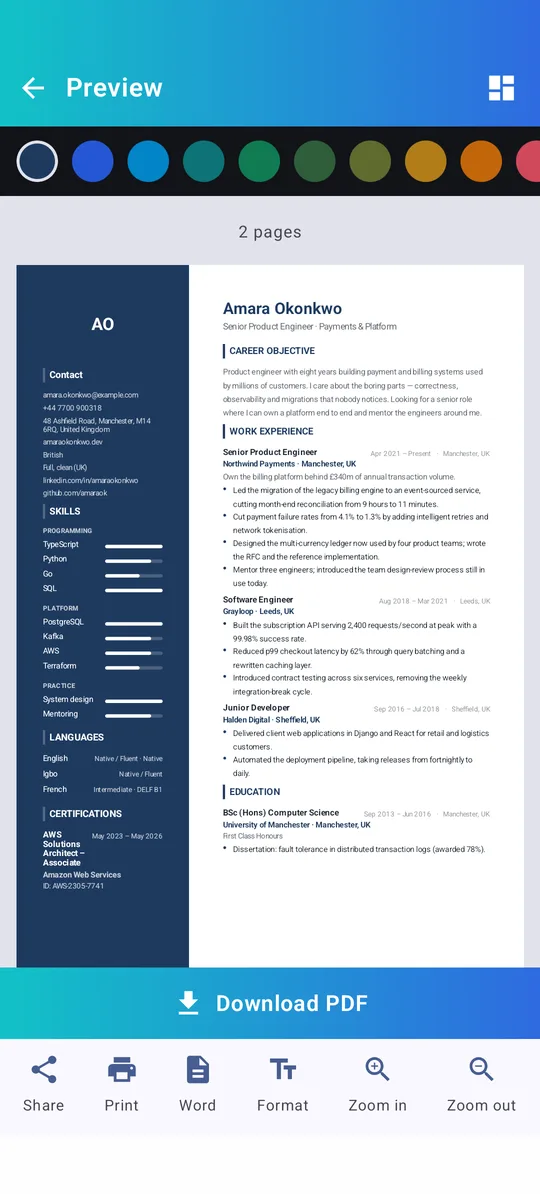
See exactly what employers will see
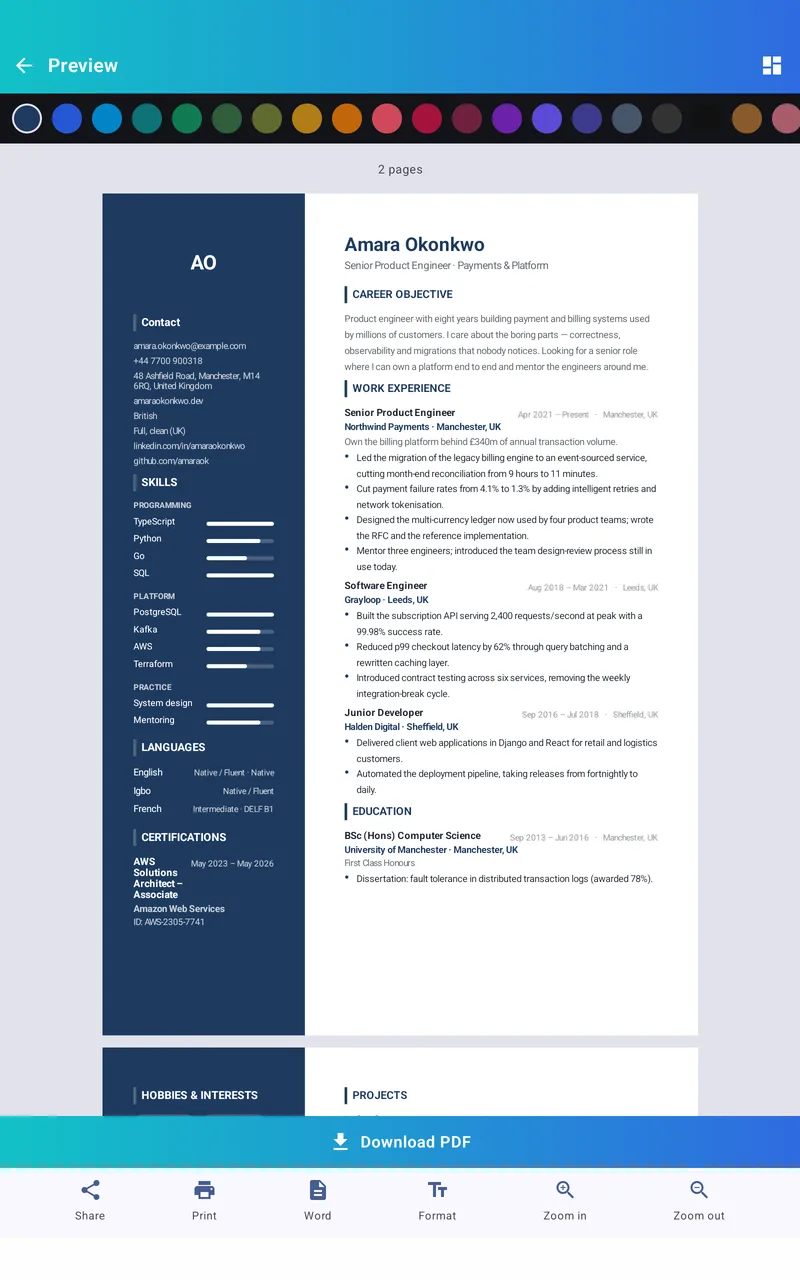
A live, page-accurate preview shows your CV as it will print — on a phone, or side by side with the editor on a tablet.
- Exact page preview with page count
- One-tap colour themes
- Zoom, print and share from the preview
Three steps to a great CV
Fill in your details
The guided setup walks you through name, contact, education and experience.
Pick a template
Switch between 70 designs instantly — your content moves with you.
Download & apply
Export as PDF or Word, then share it straight to the job application.
Private by design
Your CV holds your name, phone number and work history. That information belongs to you — so CV Maker keeps it on your phone.
Use it in your language
Simple, clean and fast
Questions, answered
Is CV Maker free?
Yes. The app is free and supported by ads. 60 of the 70 templates are free; the 10 premium designs unlock by watching a short video.
Do I need to create an account?
No. There is no sign-up and no login. Open the app and start building your CV.
Where are my CVs stored?
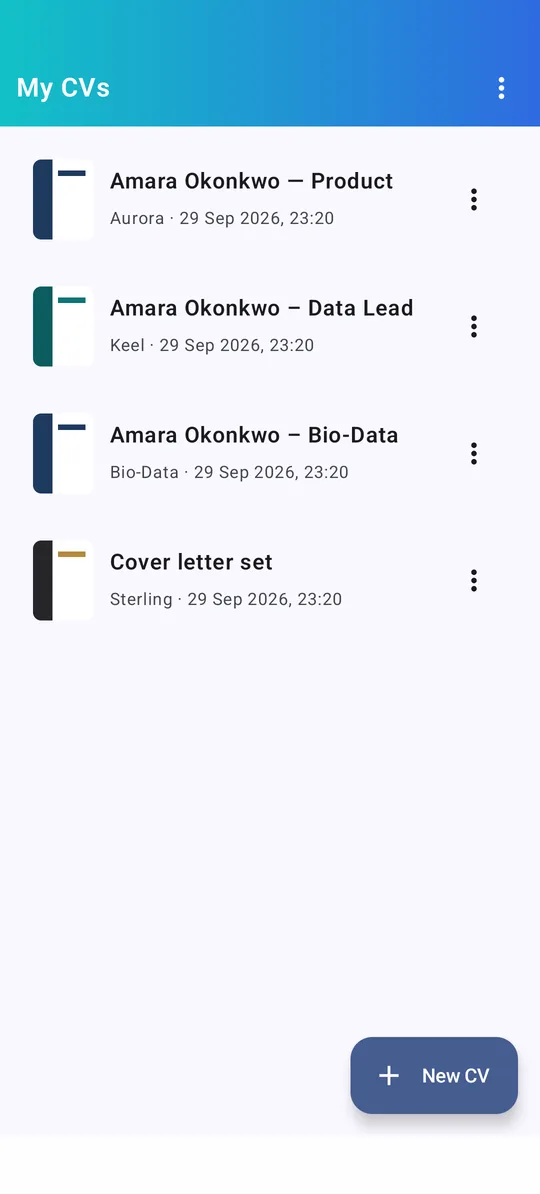
On your phone. You can back up all your CVs to a file in a place you choose — like Google Drive — and restore them on a new phone.
Can I make an Indian bio-data?
Yes. There are ten table and bio-data formats, including the classic “Bio-Data” layout used for government jobs, campus placement and marriage.
Which file formats can I download?
PDF and Microsoft Word (.docx). You can also print directly from the app or share the file to any app.
Does it work without internet?
Yes. Creating, editing and exporting CVs all work offline. Internet is only used for ads and app updates.
Start your next application today
Free on Google Play. No sign-up — your first CV is just a few minutes away.